I herniated a disc at 31 after nine years of ten-hour desk days, and the fix my physical therapist handed me was not a gym membership. It was movement, spread out in small pieces, which is the entire logic behind NEAT. That is why the walking pad with incline question lands in my inbox more than any other. Incline is not about torching calories in a 20 minute session. It is about changing the angle at your hips and ankles so that a 2 mph walk feels different in your lower back at hour four of a workday. What follows is the shortlist I would actually put in front of a remote worker in 2026: two incline decks, one foldable flat pad, and the paper log that decides whether any of them get used past week three.
Related: Walking Pad Noise at 2 mph: What Idle Ratings Hide
For most desk workers, the MERACH UltraWalk W60 is the pick if you want incline you can change without stepping off, and the MCRG is the one I would hand a first-time buyer who wants a handle to hold. The WalkingPad Z1 wins on storage and nothing else. The Pukka Pad planner is the cheapest part of the system and the one that quietly determines whether the other three get used.
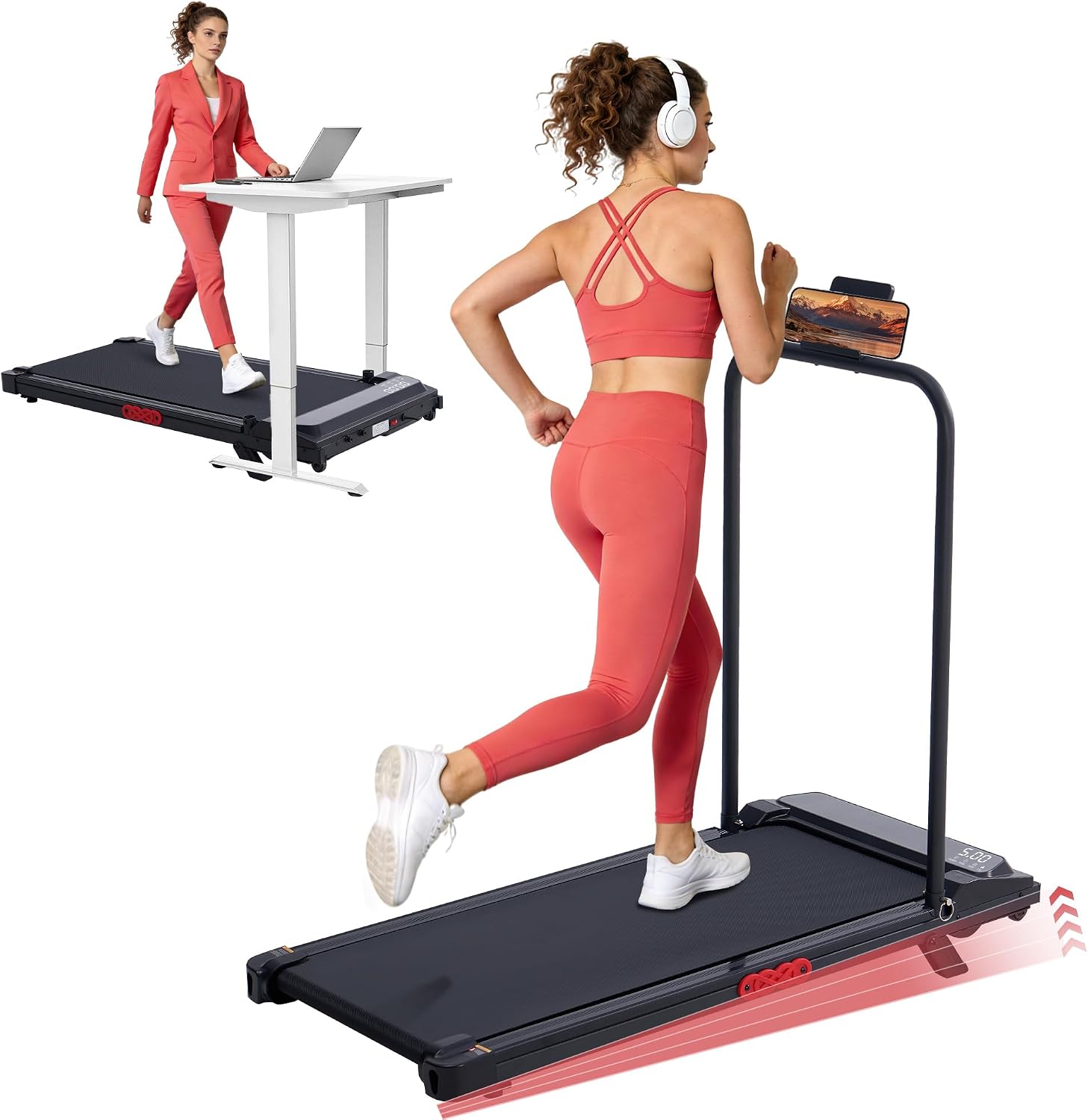
MCRG Portable Walking Pad with Handle Bar Incline, 3.5HP, 0.6-10MPH, 400LBS Visit on Amazon
Incline plus a handle bar, which is rare at this end of the market, and a 400 lb capacity that suggests a sturdier frame
The handle bar makes it harder to tuck under a low desk, and a 10 MPH top speed is a running claim, not a walking one
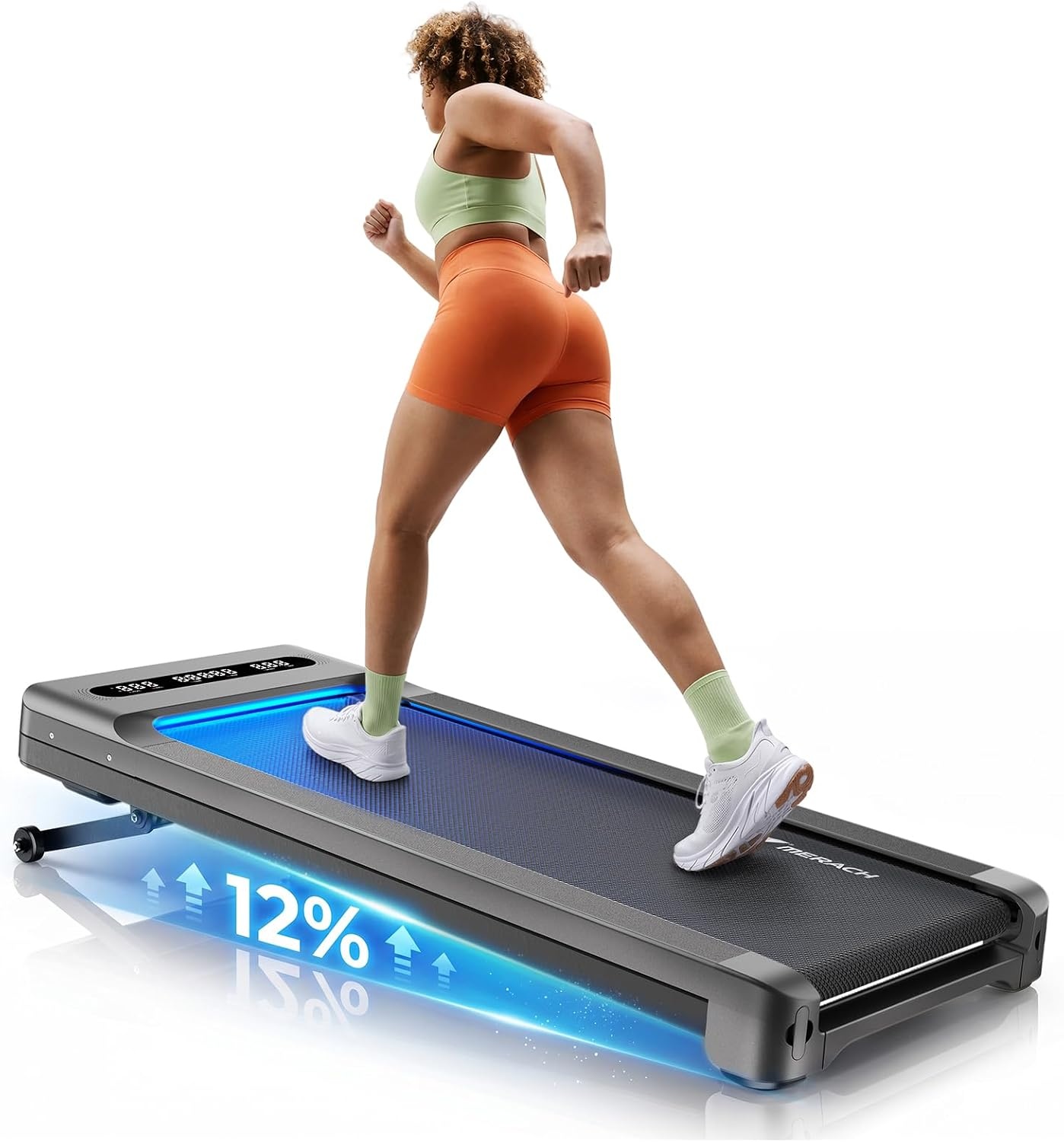
MERACH UltraWalk W60 Walking Pad with 12% Auto Incline, 400lb Capacity, 3.5HP, BT Speaker, RGB Light & APP Visit on Amazon
12% auto incline you can adjust mid-walk, a 400 lb rating, and a design aimed at taller walkers
RGB lighting and a speaker are weight you pay for, and an app that wants an account before it changes speed is a pet peeve of mine
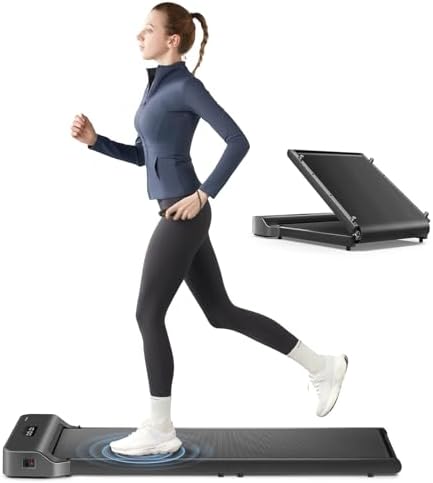
WalkingPad Z1 Foldable Walking Pad Treadmill, Under Desk Compact Design Visit on Amazon
Folds flat for storage, which matters in a small apartment or a shared room
No incline, and every fold joint is one more moving part to check at 2.5 mph
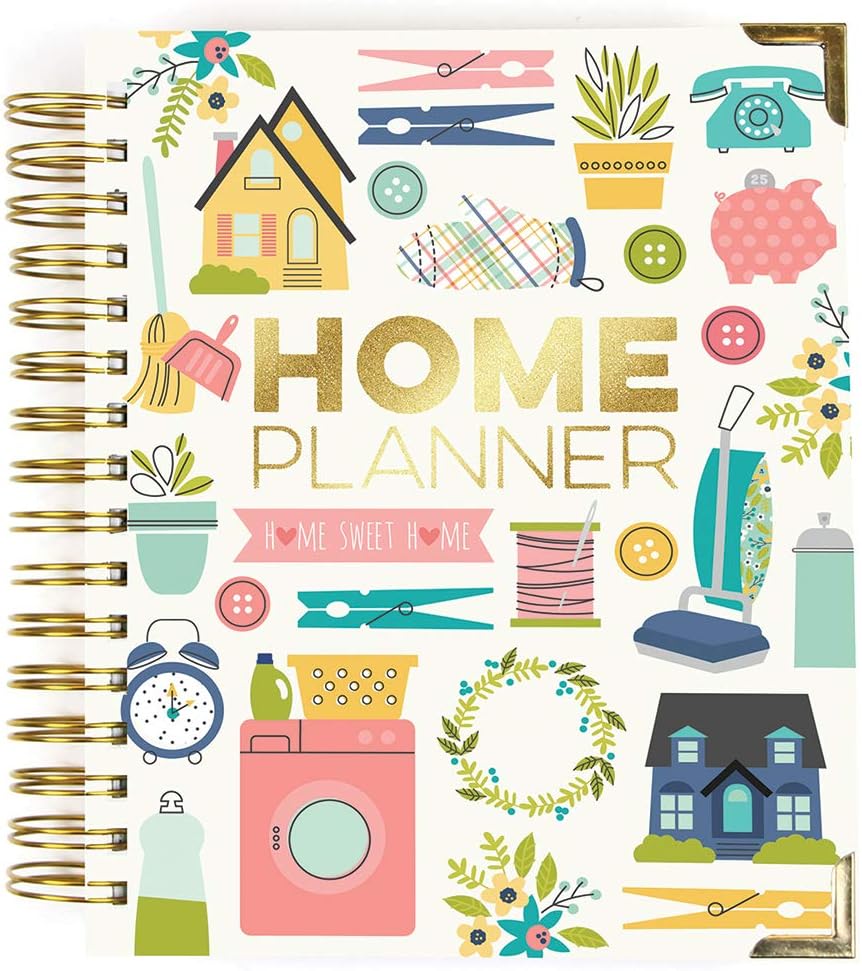
Pukka Pad Carpe Diem Home Planner, Spiral Bound with 6 Tabs and 2 Sticker Sheets, 8.75 x 8in Visit on Amazon
A physical log with tabs for schedules and to-do lists, no account, no sync, no dead battery
Paper does not sync, and it only works if you actually write in it
Prices and availability were captured from Amazon Creators API and may change.
How I judge a pad for a desk day
I do not start with motor specs, because almost every pad in this category advertises peak horsepower and then lists a sustained figure that is roughly half of it. Peak versus sustained HP is the oldest trick in the listing copy, and it tells you nothing about whether the belt will hold a steady cadence at 2 mph for 90 minutes.
What I look at instead: belt width, because narrow belts force a shortened stride and your hips pay for it. Deck height, because a pad that sits too tall turns your chair into a stool and your standing posture into a lean. Auto-stop behavior, because a pad that stops abruptly when you step off is a different safety profile than one that ramps down. The remote, because I use mine dozens of times a day and a remote that needs a clear line of sight to the console is a daily irritation. And warranty, because a company that backs its motor for three years is telling you something a spec sheet cannot.
Noise is the spec everyone quotes and nobody measures honestly. Idle decibel ratings are fiction once the belt is moving under a person. If a pad is quiet at rest, that tells you the motor is quiet at rest. It says nothing about the belt, the deck, or the rollers.
The two incline decks: MCRG and MERACH UltraWalk W60
Incline is the feature that made this category interesting. A flat pad gives you steps and nothing else. An incline deck shifts load toward your calves and changes where your hips sit relative to your spine, which is the part I care about as someone with a rebuilt lower back.
The MCRG Portable Walking Pad is the unusual one, because it pairs incline with a handle bar. That combination is rare under a desk. A handle means you can hold on while you walk, which changes how stable you feel on a first walk and makes it a more forgiving choice for anyone whose balance is not what it was at 25. The listing puts it at 3.5HP, a 0.6 to 10 MPH range, and a 400 lb capacity. Read that range honestly: 10 MPH is a running claim, and I do not review running on walking pads, because the safety profile is completely different. For desk use, you live between 1.5 and 3 mph, and the question is whether the frame stays planted there. The handle bar also means this pad is taller and bulkier when parked, so measure the clearance under your desk before you buy it.
The MERACH UltraWalk W60 takes the opposite approach. Instead of a handle, it gives you a 12% auto incline, which means you change the grade from the remote without stopping and restarting your walk. That matters more than people expect. Manual incline on a cheap pad usually means stepping off, bending down, and breaking your stride, and after two weeks you stop doing it. The 400 lb capacity and the tall-walker framing suggest a longer deck, which is the spec tall buyers should check first, because a short deck turns a 6 foot stride into a shuffle. The BT speaker and the RGB lighting are the parts I would happily trade for a better remote. And an app that gates basic controls behind an account is a design choice I will never defend.
Between the two: the MCRG is the one I would hand someone who has never walked at a desk before and wants something to hold. The MERACH is the one I would hand someone who already walks daily and wants the incline to be adjustable while moving.
The flat, foldable option: WalkingPad Z1
The WalkingPad Z1 makes one promise and keeps it: it folds, and it stores. If your desk is in a bedroom, if you share a 600 square foot apartment, or if the pad has to live behind a couch between sessions, folding is not a gimmick, it is the difference between owning a pad and owning a coat rack.
The trade-off is everything the other two have. There is no incline, so the deck angle stays flat. There is no handle, so stability comes entirely from the frame and your own balance. And a folding deck introduces a hinge, which is one more component to evaluate at 2.5 mph, where wobble shows up first. Foldable is a storage solution, not a performance upgrade, and I would rather say that plainly than pretend a hinge is free.
The fourth thing: the paper log
This is the item people skip, and it is the one that decides the outcome. Most walking pads get used eleven times and then live under a bed. Not because the motor failed, but because nothing in the daily routine anchored the habit.
The Pukka Pad Carpe Diem Home Planner is not fitness equipment. It is an 8.75 by 8 inch spiral bound book with six organizational tabs, two sticker sheets, and pages for appointment calendars, schedules, meal and grocery plans, and to-do lists. What it does for a desk-day setup is give you one place to write the thing that actually predicts success: whether you walked today, at what speed, and for how long. An app can do that too, until it asks you to create an account, at which point half of us close the tab. A spiral notebook on the desk does not need a login, does not need charging, and does not send you a push notification you will swipe away. The trade-off is obvious: paper does not sync, does not graph your month, and does nothing at all unless you pick up a pen.
If you want the honest version: buy the planner and use it for two weeks before you buy the pad. If you cannot fill in fourteen days of a paper log, you are not going to fill in fourteen days of a walking routine either, and you just saved yourself a few hundred dollars.
Noise, remote, and the specs nobody prints
Three things decide whether a pad survives month two in a real home office.
The remote. If it needs line of sight, you will be pointing it at the console like a TV remote from 1998, forty times a day, while you are supposed to be reading a document. If the pad cannot change speed from a remote that works through your body, it is a design failure.
The noise floor. Your real constraint is not the pad, it is the microphone on your calls and the person on the other side of the wall. Walk at 2 mph and judge the sound at ear height, not at idle, and not from a listing's test bench.
The wheels and the deck. Wheels that scrape the floor and a deck that rocks at 2.5 mph are the two complaints that show up in reviews after the honeymoon period, and neither is fixable with a mat. Check the frame first.
Who should buy which
If you have never walked at a desk and you want something to hold while you build the habit, the MCRG with the handle bar is the safer start.
If you already walk daily, are tall, and want the incline adjustable without breaking stride, the MERACH UltraWalk W60 is the one built around that.
If storage is your binding constraint, the WalkingPad Z1 folds and gets out of the way, and you accept a flat deck to get that.
If you want the cheapest change that actually improves your odds, the Pukka Pad planner is where I would start, because a tracked habit is a kept habit.
What $400 should buy in 2026
My standing prediction: by 2027, a $250 pad will match what $600 bought in 2023, and the cheap brands will consolidate around two or three real factories. Watch for remote batteries dying first. That is the real quality tell, because a company that cheapens a remote cheapens the auto-stop sensor next. I also expect this category to split into medical-grade and toy-grade pricing within two years, and the pads with real incline and real warranties will end up on the medical side of that line.
The bottom line
Incline is worth paying for if you will actually change it, and auto incline is worth paying for if you will not. A handle bar is worth paying for if you are new to walking at a desk. Folding is worth paying for only if storage is the reason your last pad did not get used. And none of it matters without a log, paper or otherwise, that tells you the truth about week three.